
Staff Scheduling and Time Clocks: Getting Payroll Right Without the Spreadsheet
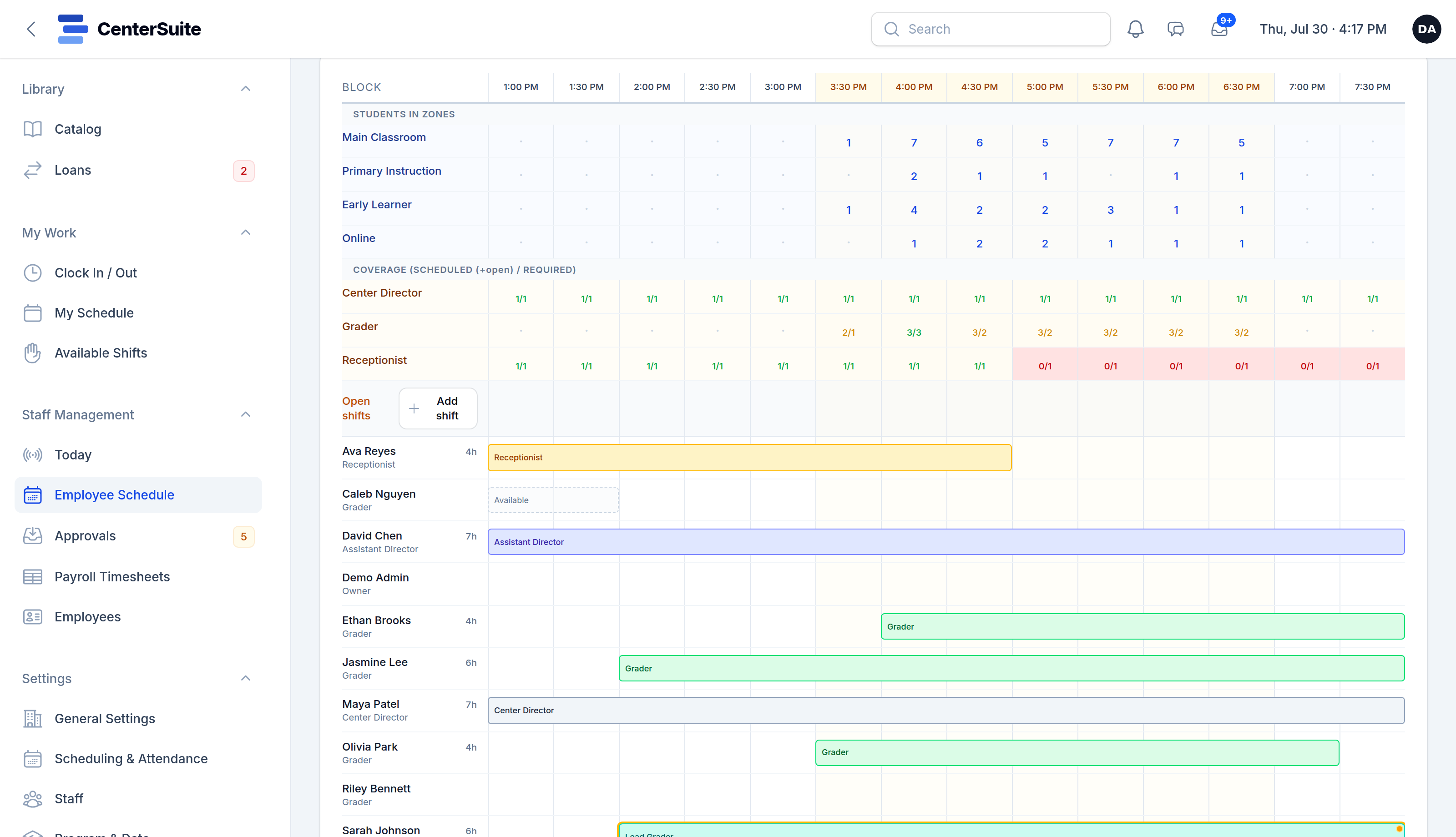
At many centers, staff scheduling lives in a spreadsheet, hours live on a paper sign-in sheet or a separate time clock app, and payroll is a late night of adding the two together. It works, mostly. Until someone forgets to clock out, a shift gets swapped by text, and the numbers don't match.
Getting payroll right starts long before payday. It starts with how you build the schedule and how people clock in.
Build the schedule from what you need
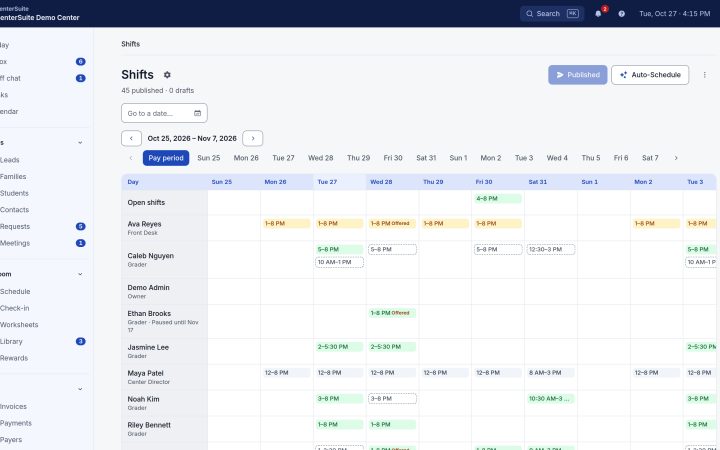
Start with coverage, not people. For each part of your day, how many staff do you need on the floor, at the front desk, grading? Busy afternoons need more hands than a quiet early slot. Once you know what each hour needs, filling it is a puzzle with a clear answer.
Then fill it from availability. Part-time staff, especially students, change their availability every semester, so collect it before you build, as we covered in hiring and keeping part-time staff. A schedule that fits people's lives is one they'll actually work.
Publish the schedule a week or two ahead, so everyone knows their shifts and can flag a conflict early.
Handle changes in one place
Shifts will change. Someone gets sick, someone has an exam, a busy week needs an extra person. When those changes happen by text message, the schedule and reality drift apart and payroll inherits the mess.
Keep changes in the same place as the schedule: open shifts that anyone qualified can claim, swaps that you approve, time off that's requested and answered rather than mentioned in passing.
Use a real time clock
A clock-in that records the actual time, with breaks, is the foundation of accurate pay. It should be easy: a phone or a shared tablet at the front desk, not a process that takes longer than the shift change itself.
Mistakes will still happen. People forget to clock out or clock in late after helping a parent at the door. The fix is a simple correction request: the staff member says what happened, you approve it, and the record keeps both the original time and the correction. No editing timesheets by hand the night before payroll.
Close the pay period cleanly
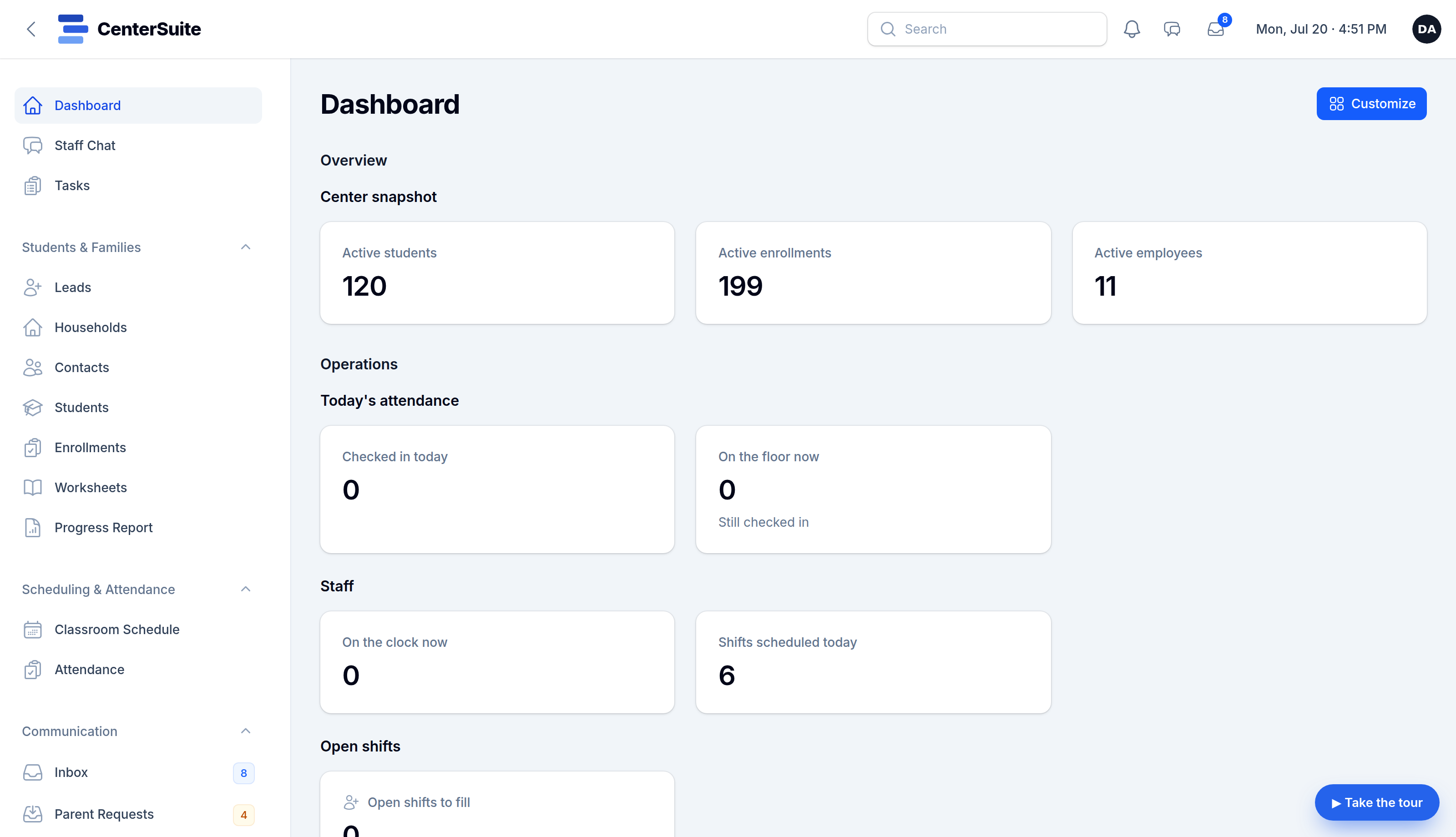
At the end of each period, review the hours, check anything unusual (overtime, missed punches, holiday pay), and export the totals for whoever runs payroll. If you close on holidays, decide how holiday pay works ahead of time; our guide to holiday closures covers the family side of those days.
When the schedule, the clock and approvals live together, closing a pay period takes minutes instead of an evening.
What it saves
The obvious savings are hours: fewer late nights reconciling, fewer texts asking who's covering. The less obvious ones matter just as much: staff trust their paychecks, you trust your labor numbers, and nobody argues about whether a shift was worked.
See how CenterSuite handles staff scheduling, the time clock and payroll prep, or book a demo to see a pay period closed.
Keep reading
 Staff & payroll
Hiring and Keeping Part-Time Staff at a Learning Center
Most center staff are students working a few afternoons a week. How to hire well, train fast, schedule around classes, and keep them past the semester.
 Families & communication
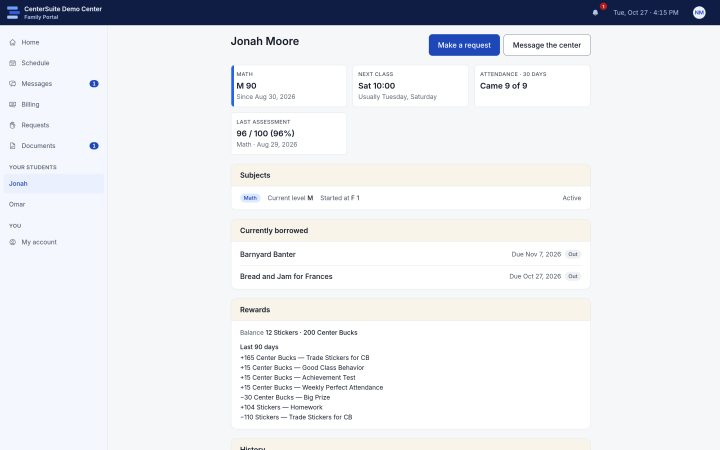
A Family Portal Cuts Front-Desk Calls. Here's How.
Most front-desk calls are questions families could answer themselves. How a family portal takes them off your desk, and what to put in it.
 Running your center
Five Numbers Every Center Director Should Check Weekly
You don't need a stack of reports to know how your center is doing. Five numbers, checked weekly, that tell you where to act before problems grow.