
Blog · Families & communication
A Family Portal Cuts Front-Desk Calls. Here's How.
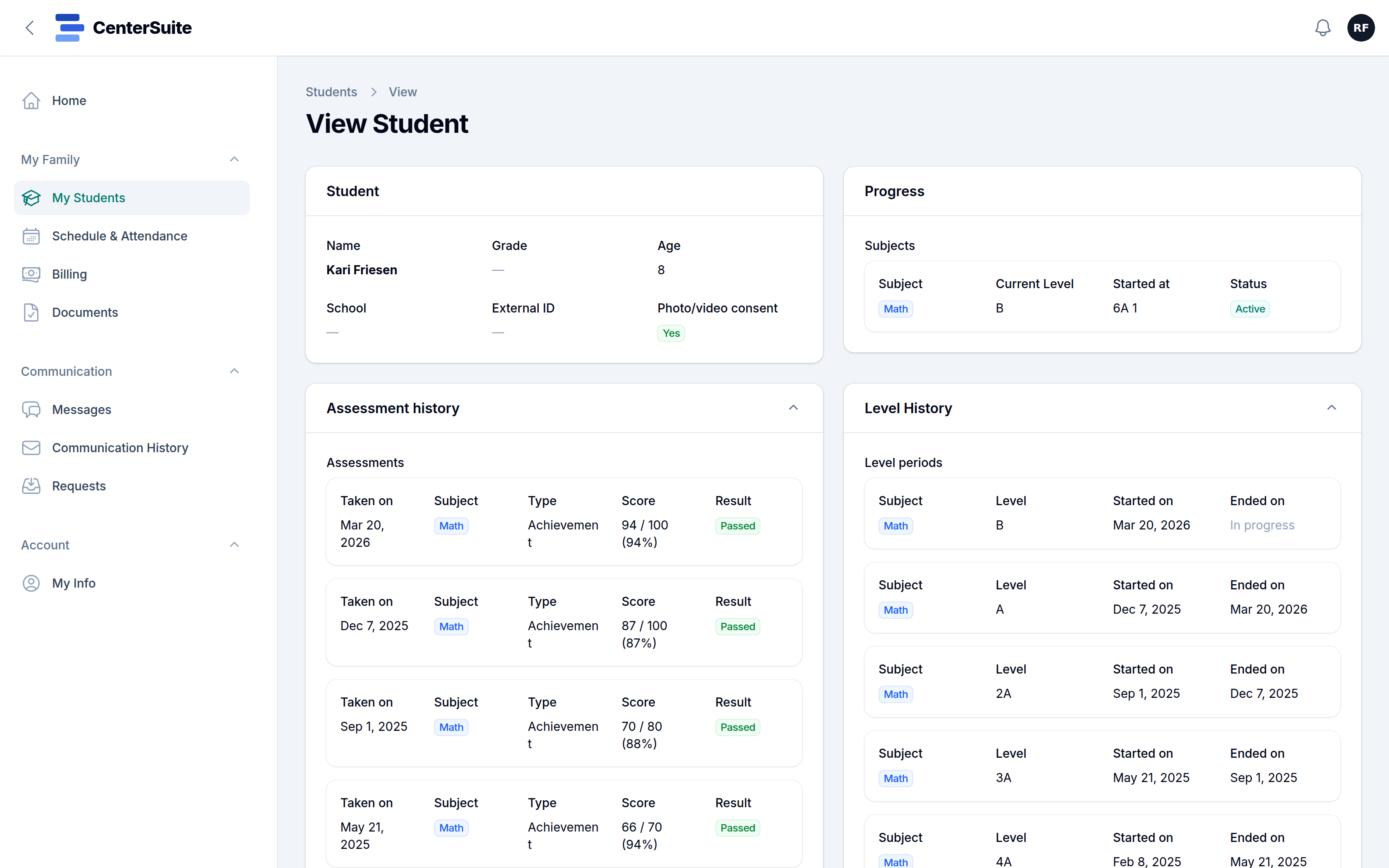
Spend an afternoon at a busy center's front desk and count the phone calls and texts. A surprising number of them are the same handful of questions: When is my child's next session? What do I owe this month? Did you get the form I signed? Can we move Thursday to Wednesday?
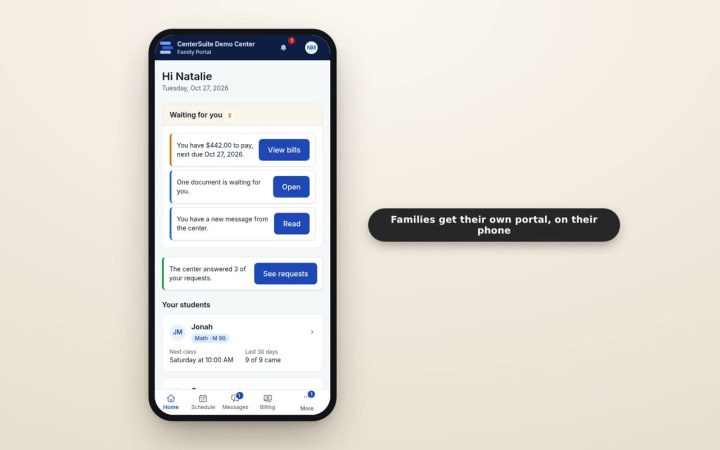
Each one is quick. Together, they're a steady interruption to the person who's also checking students in, greeting parents and answering new inquiries. A family portal gives families those answers directly, and gives your front desk its afternoon back.
What families want to look up
Think about the questions you answer most often. For most centers, they fall into a few groups:
- The schedule. Upcoming sessions, recent attendance, and any closures coming up.
- Bills. What's due, what's been paid, and a way to pay online.
- Forms. Anything waiting for a signature, and copies of what they've already signed.
- Progress. Where their child is now and what's changed recently.
- Messages. One place for the conversation with your center, rather than a scattered text thread.
If families can see these on their own, at any hour, many of the calls simply never happen.
Requests instead of phone tag
Some things can't be self-service. A schedule change, a question about billing, an absence next week. For these, a simple request a family sends from the portal is better than a voicemail. It arrives in one place, someone on your team picks it up, and the family sees when it's been answered.
That beats a message left with whoever happened to answer the phone, and it keeps a record of what was asked and decided.
Make it something families actually use
A portal only cuts calls if families use it. A few things help:
- Invite every family at enrollment, and show them how to sign in during their first week.
- Make it work on a phone. That's where parents will open it.
- Point people to it. When someone calls to ask about a bill, answer, then mention they can see it in the portal next time.
- Keep it current. A portal with stale schedules teaches families not to trust it.
It's good for families, too
Self-service isn't just about saving staff time. Many parents would rather check a balance at 10 p.m. than call during your opening hours. A portal that shows their child's progress and rewards gives them a reason to feel connected to your center between visits, which is good for student retention.
And when they do need to talk to you, the messages they send through the portal sit alongside your emails and texts, so the whole conversation stays together. Our guide to automating parent communication covers what to send them.
Start with the biggest source of calls
If you're not sure where to begin, count a week of front-desk calls by topic. Whatever comes up most, whether it's schedules, bills or forms, is where a portal will pay off first.
See what families get in CenterSuite's family portal, or book a demo to see it from a parent's side.
Keep reading
 Families & communication
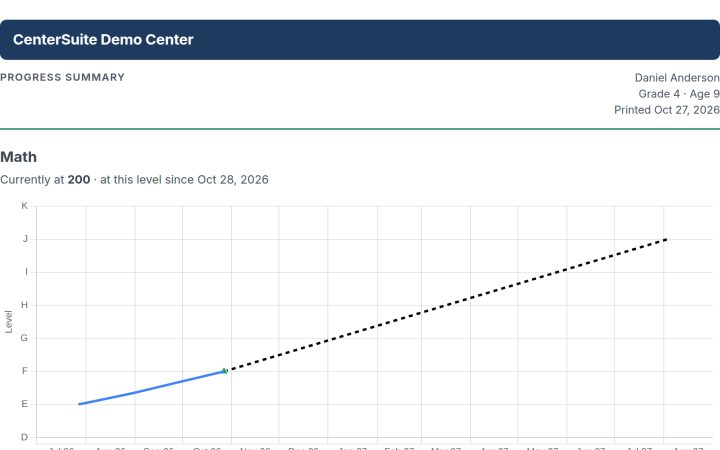
Parent Conferences That Families Actually Show Up For
A good conference builds trust and keeps families enrolled, but only if they come. How to book them, remind families, and show progress, not describe it.
 Families & communication
Paperless Enrollment: Forms and Signatures Families Finish at Home
Clipboards and filing cabinets slow every enrollment and hide signed forms. How to move paperwork online without making it harder for anyone.
 Families & communication
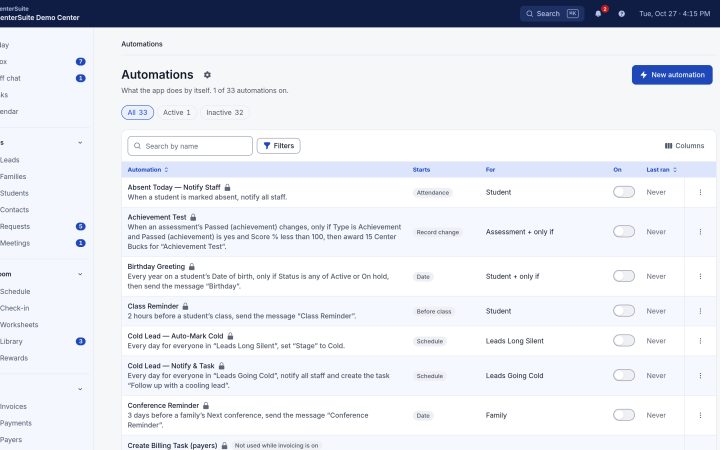
Automating Parent Communication (Without Sounding Like a Robot)
Reminders, updates, and follow-ups keep families engaged — and are the first things to slip on a busy day. How to automate them and keep them warm.