
Blog · Families & communication
Paperless Enrollment: Forms and Signatures Families Finish at Home
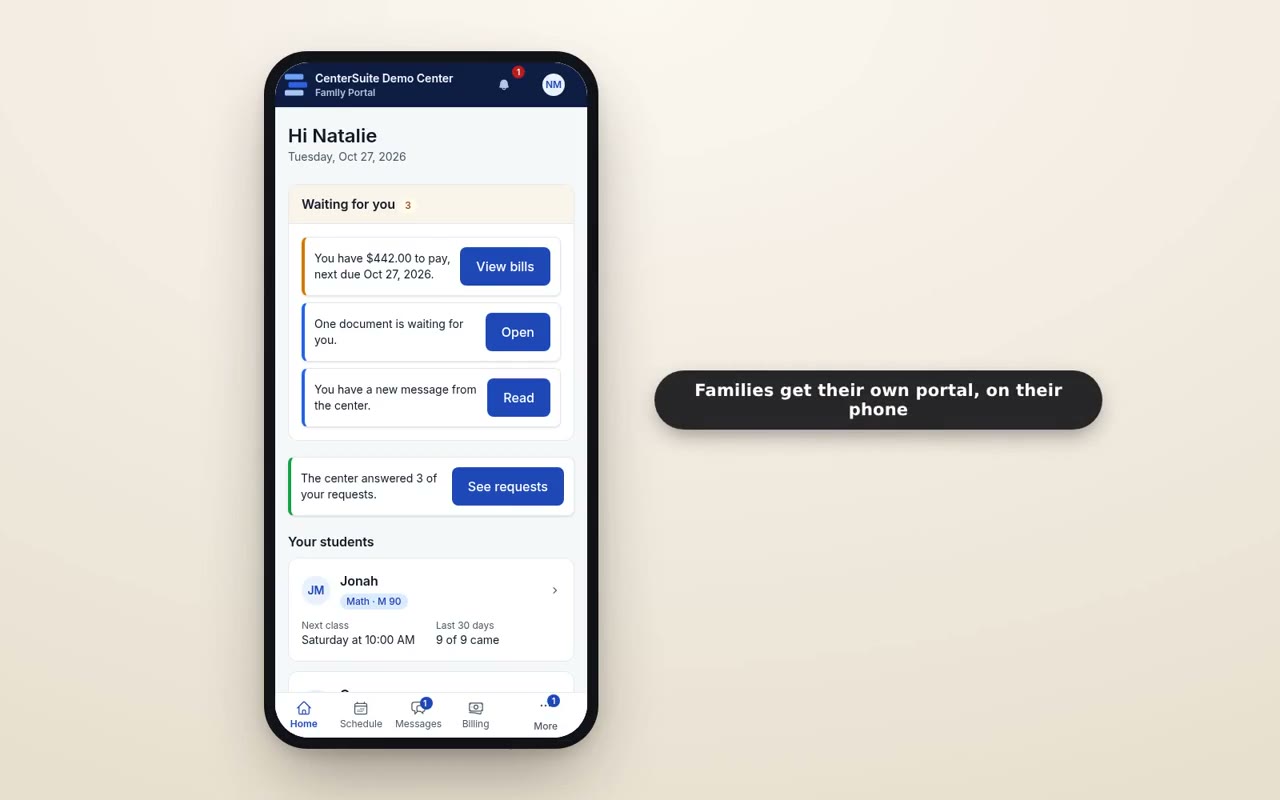
Every new family comes with a stack of paper: an enrollment agreement, your policies, a media release, emergency contacts, maybe a medical note. On a busy afternoon, the clipboard gets handed over, a parent signs in a hurry while their child waits, and the pages go into a folder that may or may not be where you look for them six months later.
Paper isn't just slow. It's where mistakes hide: a missing signature, an old version of a policy, a phone number nobody can read. Moving enrollment paperwork online fixes most of that, as long as you do it in a way that's easy for families.
Start with the forms you use most
You don't need to digitize everything at once. Start with the documents every family signs:
- The enrollment agreement.
- Your center policies (attendance, make-ups, payment, pickup).
- A media or photo release.
- Emergency contacts and authorized pickup.
Once those work smoothly, add the occasional ones: field trip permissions, policy updates, re-enrollment for the new year.
Let families sign on their phone
Most parents will open your form on a phone, probably in a parking lot. Keep each document short, readable on a small screen, and clear about what you're asking them to agree to. A typed name and a tick box are enough for most center forms; don't make anyone print, scan, or download an app.
Send the link the way families already hear from you: email, a text, or their portal. If you text, make sure families have opted in first.
Know what's still missing
The real time saver isn't the signing; it's knowing, at a glance, who hasn't signed what. Instead of flipping through folders before the first day, you should be able to see every outstanding document, send a reminder, and move on. A gentle reminder after a few days recovers most of the stragglers.
Keep the signed copy where you'll find it
A signed form is only useful if you can find it when it matters: when a parent asks what they agreed to, when a policy question comes up, or when someone new is picking up a child. Each signed document should live on the family's record, with the date it was signed and the version they saw.
That also makes policy updates easier. When your make-up policy changes, you can send the new version to every family and see who has accepted it.
Make it part of a smooth intake
Paperwork is one step in a longer path from first inquiry to first session. When forms are sent automatically at the right point, rather than when someone remembers, new families move through enrollment faster and arrive on day one ready to start. Our follow-up playbook covers the steps around it, and automating parent communication covers the reminders.
Going paperless won't change why families choose your center. It just removes one more reason for a busy parent to put off saying yes.
See how documents and e-signatures work in CenterSuite, or book a demo to see a family sign one.
Keep reading
 Families & communication
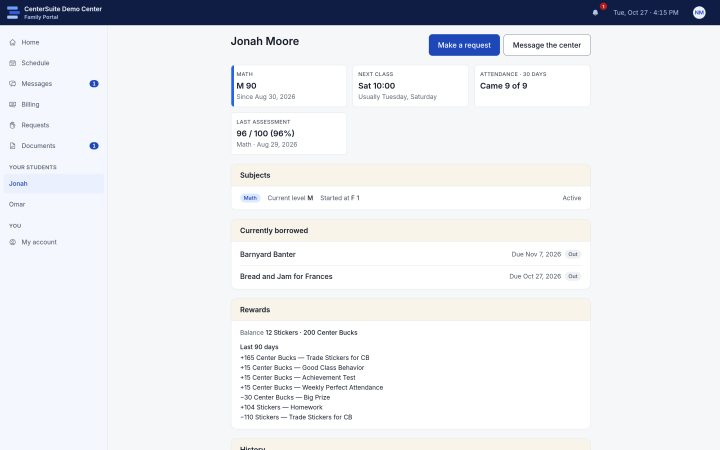
A Family Portal Cuts Front-Desk Calls. Here's How.
Most front-desk calls are questions families could answer themselves. How a family portal takes them off your desk, and what to put in it.
 Families & communication
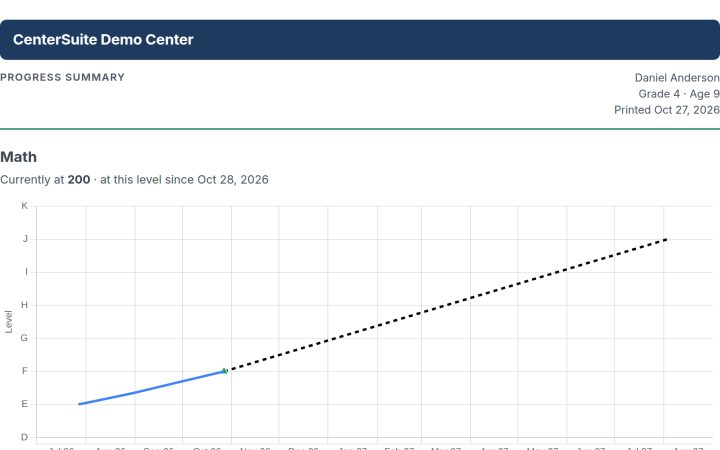
Parent Conferences That Families Actually Show Up For
A good conference builds trust and keeps families enrolled, but only if they come. How to book them, remind families, and show progress, not describe it.
 Families & communication
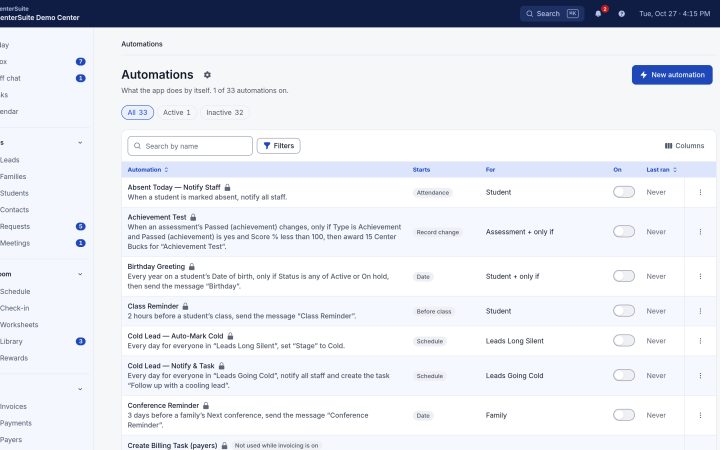
Automating Parent Communication (Without Sounding Like a Robot)
Reminders, updates, and follow-ups keep families engaged — and are the first things to slip on a busy day. How to automate them and keep them warm.