
Automating Parent Communication (Without Sounding Like a Robot)
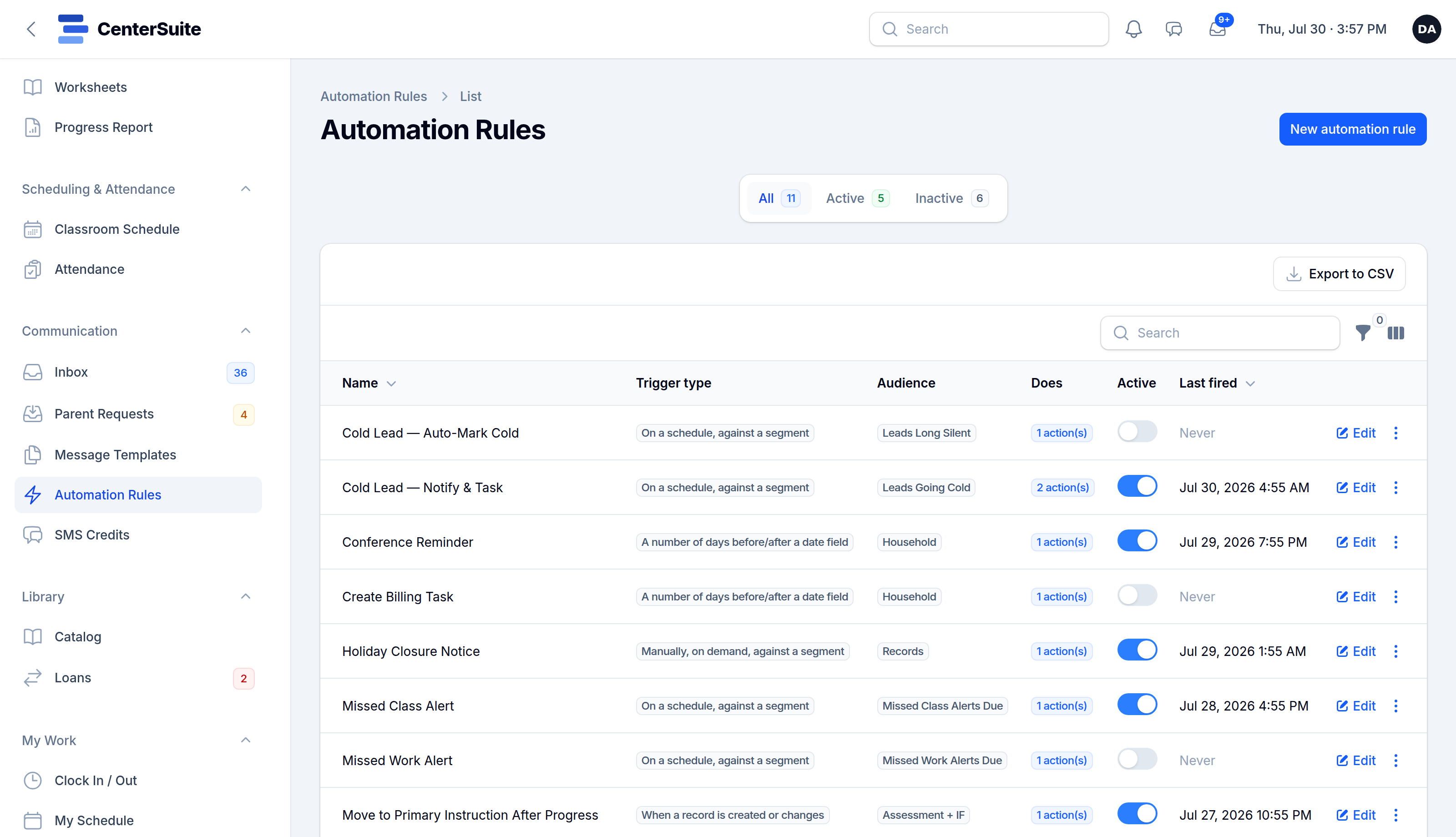
The messages that keep families engaged are rarely the hard ones. They're the small, routine touches — a reminder before a session, a note when a milestone is hit, a nudge when a bill is due, a check-in when a student goes quiet. Every Center Director knows these matter. And every Center Director knows they're the first thing to slip when the afternoon gets loud.
That's the exact problem automation solves. Done well, it doesn't make your center feel like a machine — it makes sure the caring things actually happen, every time, without depending on someone remembering.
Automate the trigger, not the relationship
The goal isn't to replace real conversations. It's to remove the remembering. Think of automation as a reliable assistant who never forgets: when a specific thing happens, a specific message goes out.
- A session is tomorrow → a reminder text goes to the family.
- A student misses two in a row → a gentle check-in drafts itself for staff to send.
- A new inquiry comes in → a welcome message and next step go out immediately.
- A bill is coming up → a friendly heads-up lands before it's late.
The human still handles the real replies. The system just makes sure the prompt never gets dropped.
Keep it personal by default
"Automated" and "impersonal" are not the same thing. A few habits keep automated messages feeling human:
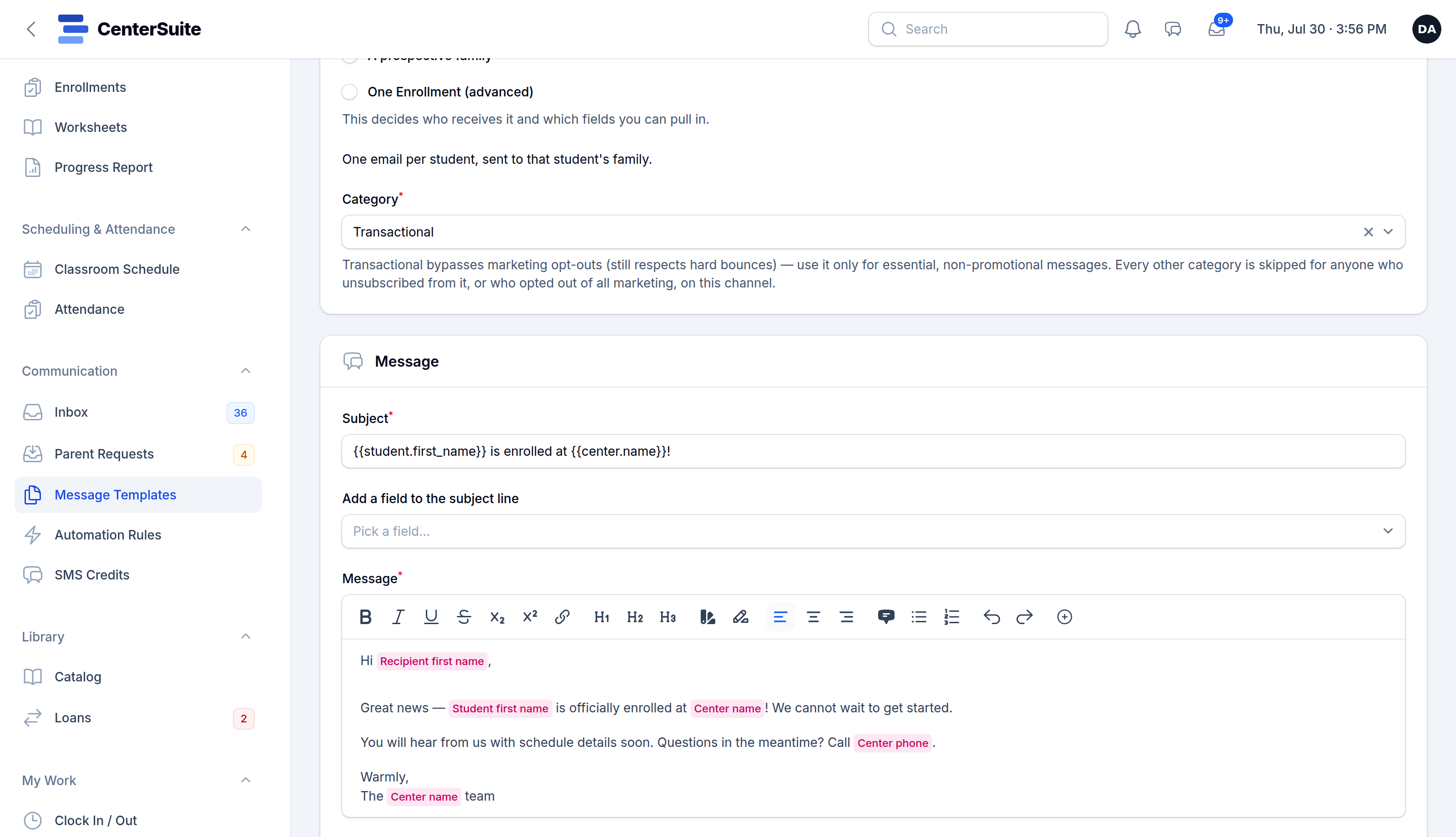
- Use names, not "Dear Parent." Pull the family's and student's names in automatically.
- Write like you talk. Short, warm, specific. Skip the corporate voice.
- Send from your center, not a random number. Families should recognize who's texting.
- Leave room for a reply. Two-way messaging means an automated nudge can turn into a real conversation instantly.
The best automated message is one a parent doesn't realize was automated — it just felt like your center was on top of things.
Right message, right moment, right channel
Timing matters as much as wording. A reminder that arrives three days early is noise; one that arrives the evening before is useful. Some families read texts instantly and ignore email; others are the reverse. Good automation lets you choose the moment and the channel, and respects quiet hours so a 6 a.m. reminder never lands at 6 a.m.
Start small
You don't need a sprawling web of rules on day one. Start with the one message that slips most often — usually session reminders, because they directly cut no-shows. Get that running, watch it work, then add the next. Each rule you set up is a small task your team never has to remember again.
Automation, done right, is invisible. Families just experience a center that's reliably in touch — reminders that arrive, progress they can see, questions that get answered. Behind the scenes, your team got its afternoons back.
See how CenterSuite's automation and unified inbox work together, or try it live and watch a reminder fire on demo data.