
Cutting No-Shows with Automated Reminders
Every empty seat is paid-for time that didn't happen — an instructor scheduled, a slot reserved, a family that may quietly drift toward leaving. No-shows are one of the most expensive small leaks in a center, and one of the easiest to fix.
The fix is reminders. Not the "I'll text everyone Sunday night if I remember" kind — the automatic kind that runs whether you think about it or not.
Why reminders work
People aren't flaky; they're busy. A parent juggling work, dinner, and three kids' activities isn't ignoring your class — it fell off their radar. A well-timed nudge puts it back on. Centers that automate reminders routinely see no-shows drop, and the reason is boring: the message reliably goes out, on time, every time.
Get the timing right
Two reminders beat one:
- The day before — gives families time to plan, swap, or cancel (which frees the slot for someone else).
- A few hours before — catches the "oh, that's today" moment.
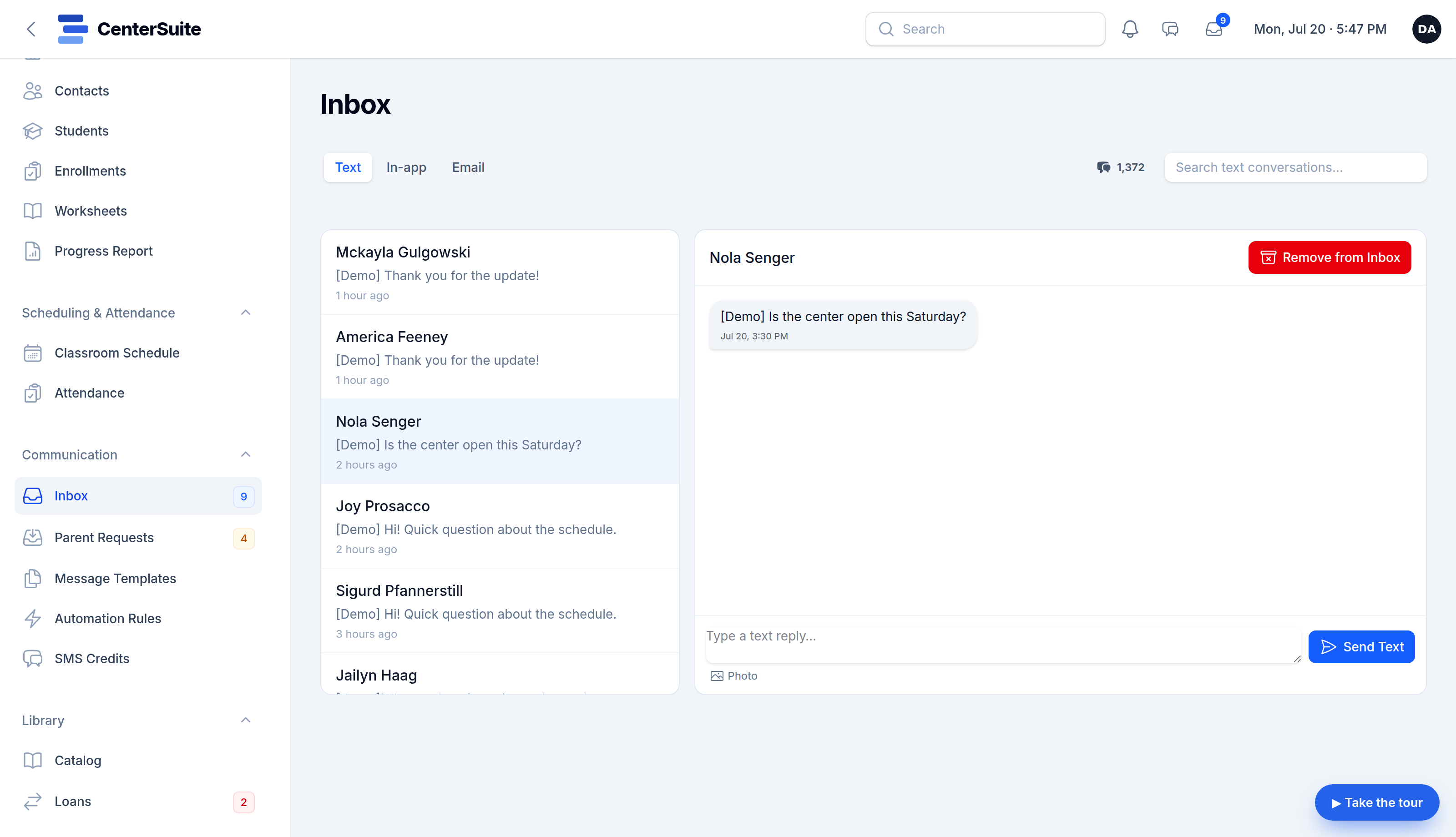
For a center, text beats email for reminders. It gets read in minutes, not hours. (Just make sure you've got SMS opt-in handled — see our guide on that.)
Keep the message useful
A good reminder is short and specific: who it's for, what, when, where. "Reminder: Maya has class today at 3:30. Reply if you need to reschedule. — [Center]" Add a way to respond, and you turn a one-way blast into a chance to fill the slot if they can't make it.
Make it run itself
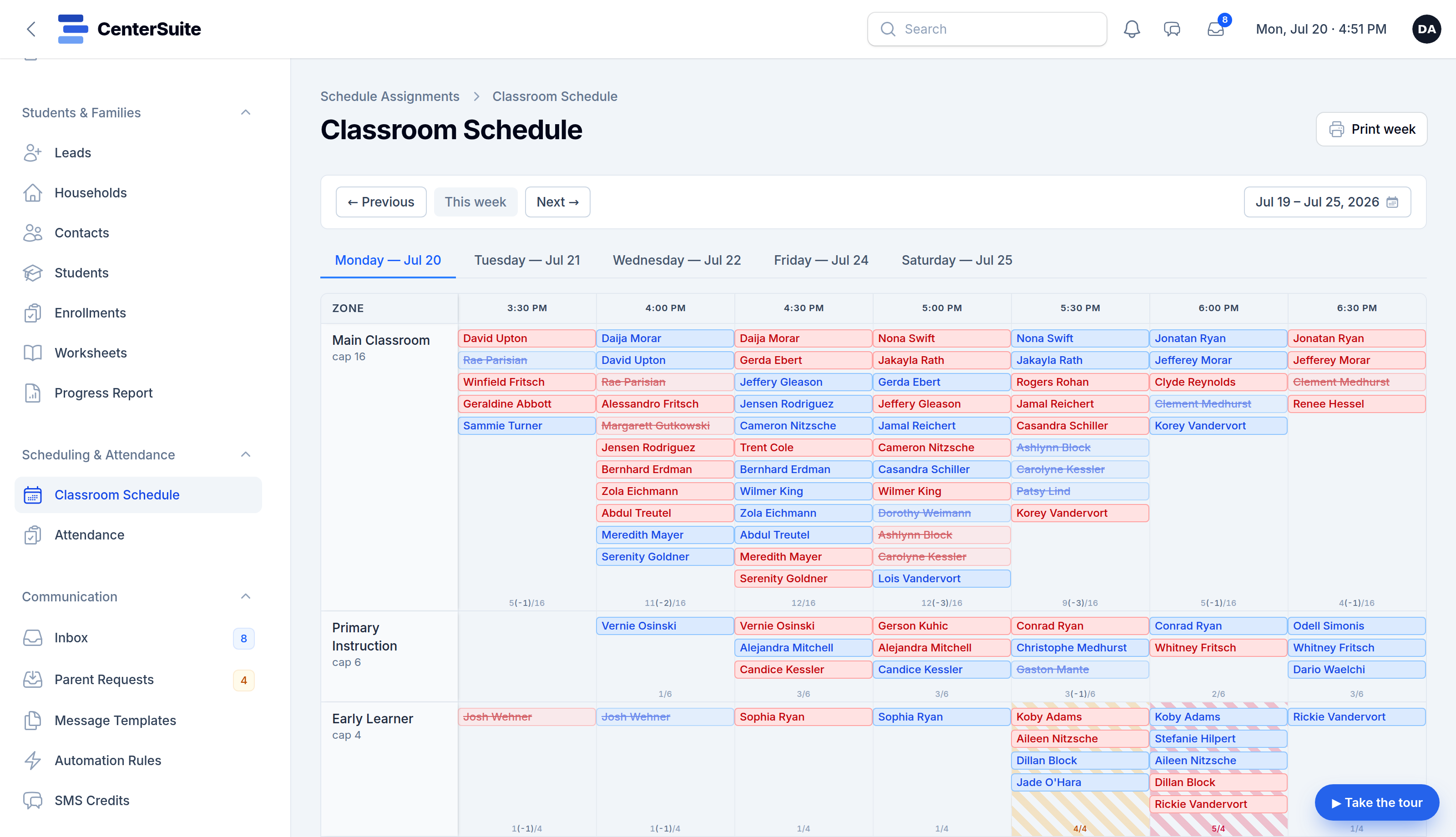
The key word is automatic. If sending reminders is a task on your list, it's a task you'll skip on a busy day — exactly the day you most need it. The reminders should fire off your existing schedule, to the right families, without anyone pressing a button.
That's how CenterSuite handles it: reminders, schedule-change notices, and follow-ups run automatically from the same system that holds your schedule and your families — over text or email, your choice. Set it once; it just runs. See it on a live demo →