
What to Look for in Center Management Software
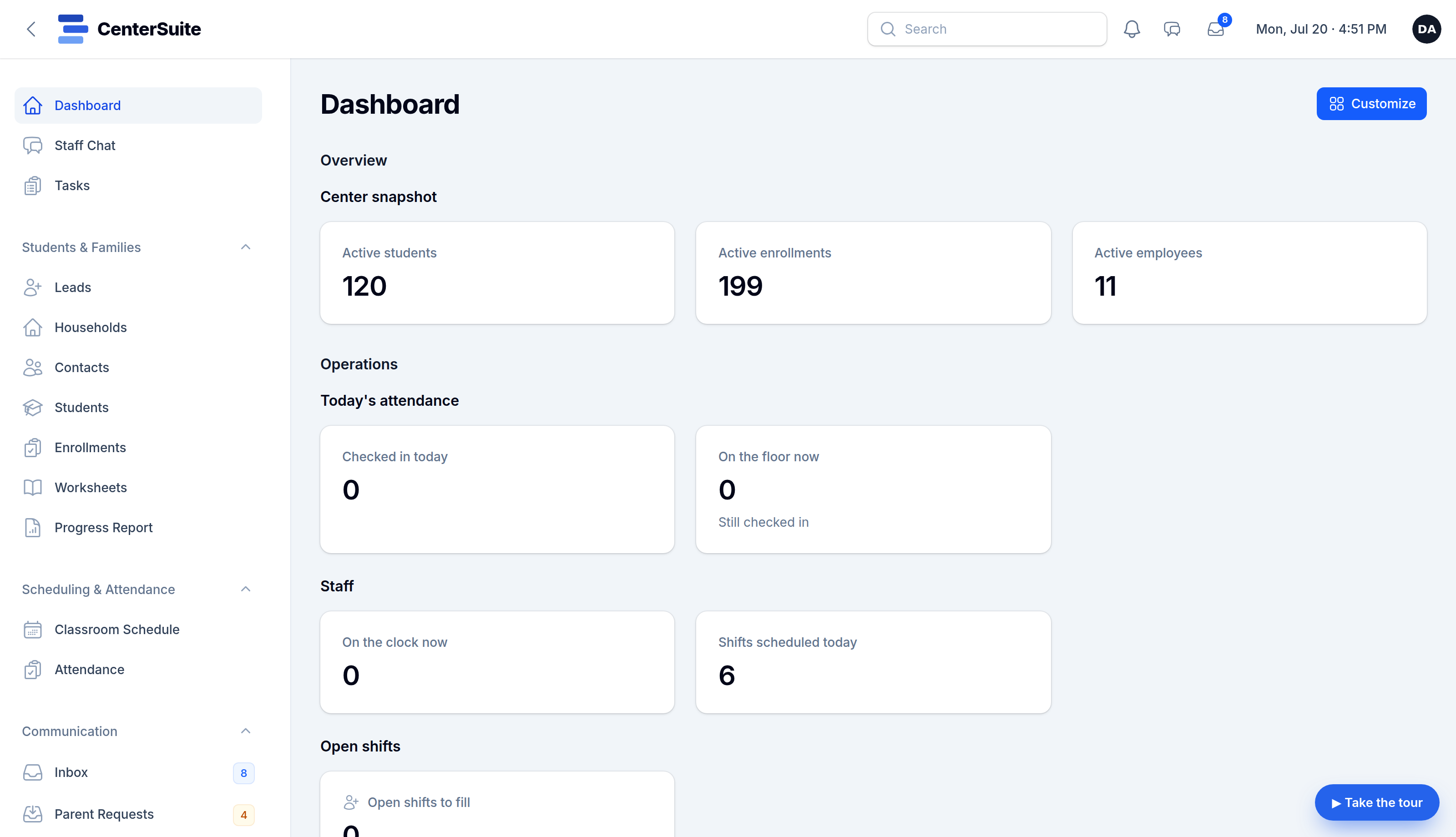
Most centers don't run on one tool — they run on five. A scheduler here, a mailing-list tool there, a texting app, a time clock, and a stack of spreadsheets holding it all together. It works, sort of, until something falls through a crack between them.
If you're evaluating software to pull it together, here's what actually matters.
1. It covers the whole day, not one slice
The biggest win isn't a better calendar — it's one place. Families and students, scheduling, attendance, staff and payroll prep, family communication, billing reminders. Every tool you can retire is one less login, one less bill, and one less place for data to drift out of sync. Be skeptical of anything that solves one problem and hands the rest back to you.
2. It speaks your language
A center is not a generic "business." You have your own words for students, levels, programs, and sessions. Software that forces you into someone else's vocabulary creates friction every single day. Look for a tool that fits your model — not one you have to bend yourself around.
3. Communication is built in, not bolted on
Reminders, schedule changes, progress updates, billing nudges — these should fire from the same system that knows your schedule and your families, automatically. If your "communication" is a separate app you copy-paste into, you'll stop using it.
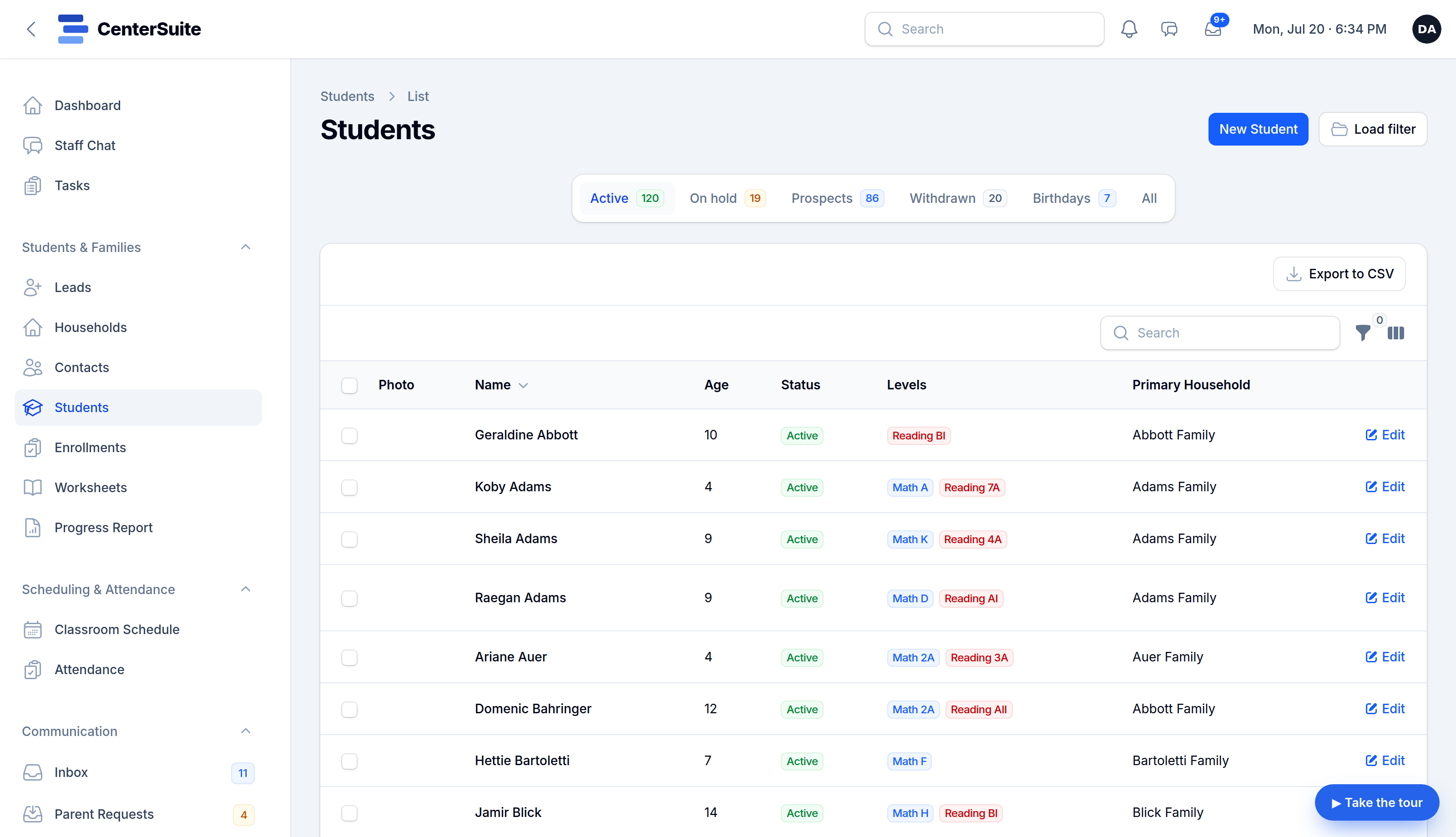
4. Your data is yours, and you can leave
Ask two questions: Can I export everything, anytime? and Is there a contract that locks me in? The right answer is yes, and no. Software should earn your business month to month.
5. You can try it before you buy it
This one's simple. If you can't get hands on the actual product — on data that looks like your center — before paying, that's a flag. A live demo tells you more in ten minutes than a sales deck tells you in an hour.
6. Switching won't wreck a week
Migration is the scary part, and a good vendor owns it with you — bringing your families, students, schedule, and staff across so you're not re-typing a year of records.
That's the short list: one platform, your vocabulary, built-in communication, your data, a real demo, and help moving in. CenterSuite was built against exactly this checklist. Spin up a demo set up for your center →