
Switching Center Software Without Losing Your Data (or a Week of Your Life)
The number one reason centers stay on tools they've outgrown isn't loyalty — it's fear of the move. "We've got two years of families and schedules in here. Switching sounds like a nightmare." It's a fair worry. It's also avoidable.
A migration done right is mostly the vendor's job, not yours. Here's what that looks like.
What actually has to move
It's less than you think, and it's all structured data you already have:
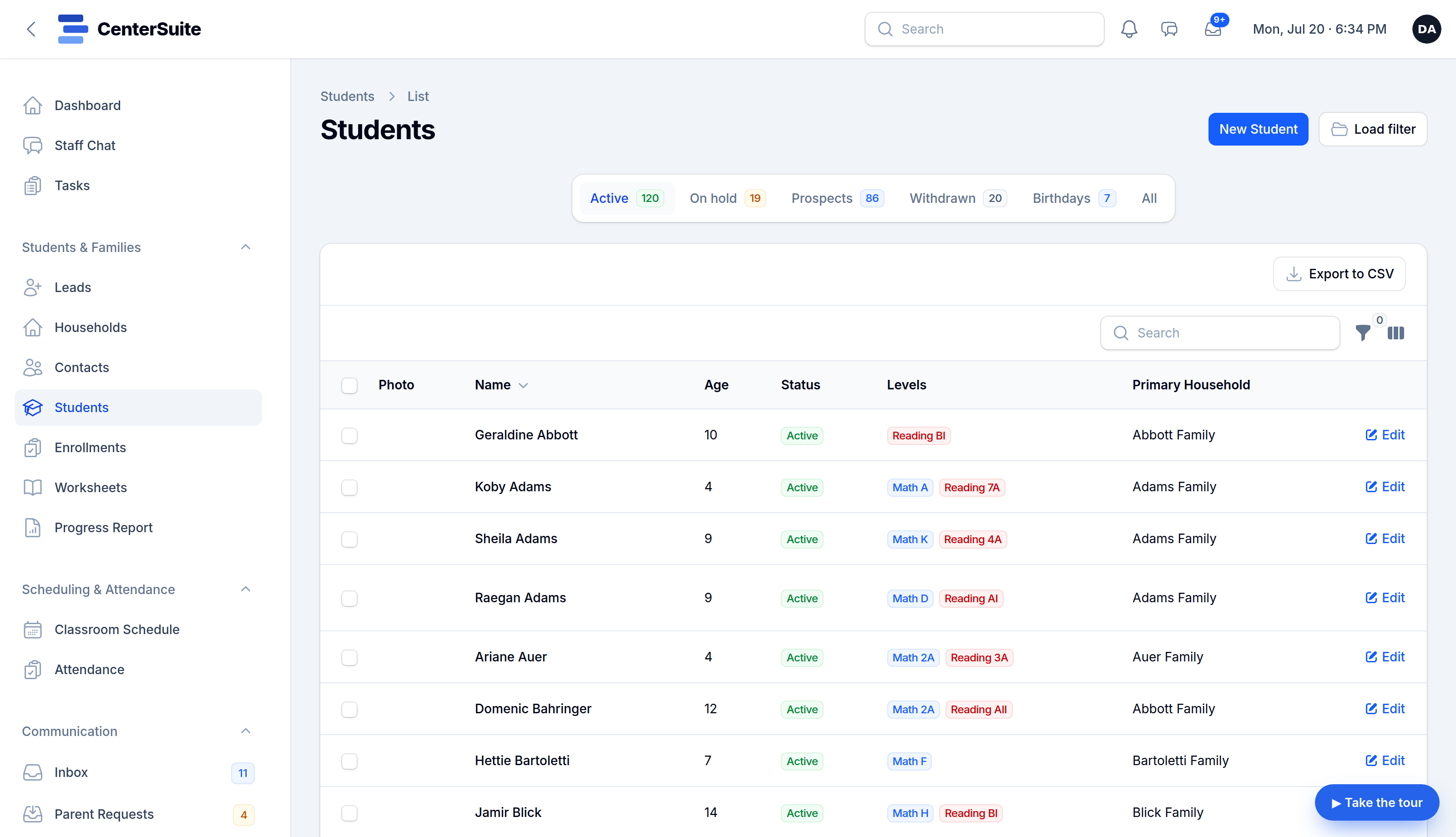
- Families and contacts — names, emails, phone numbers, relationships.
- Students and enrollments — who's enrolled in what.
- Your schedule — recurring classes and who's in them.
- Staff — your team and their roles.
Most of this exports cleanly from whatever you're on now, even if "whatever you're on now" is a pile of spreadsheets. Spreadsheets, honestly, are the easy case — they're already a grid of data.
The right way to do it
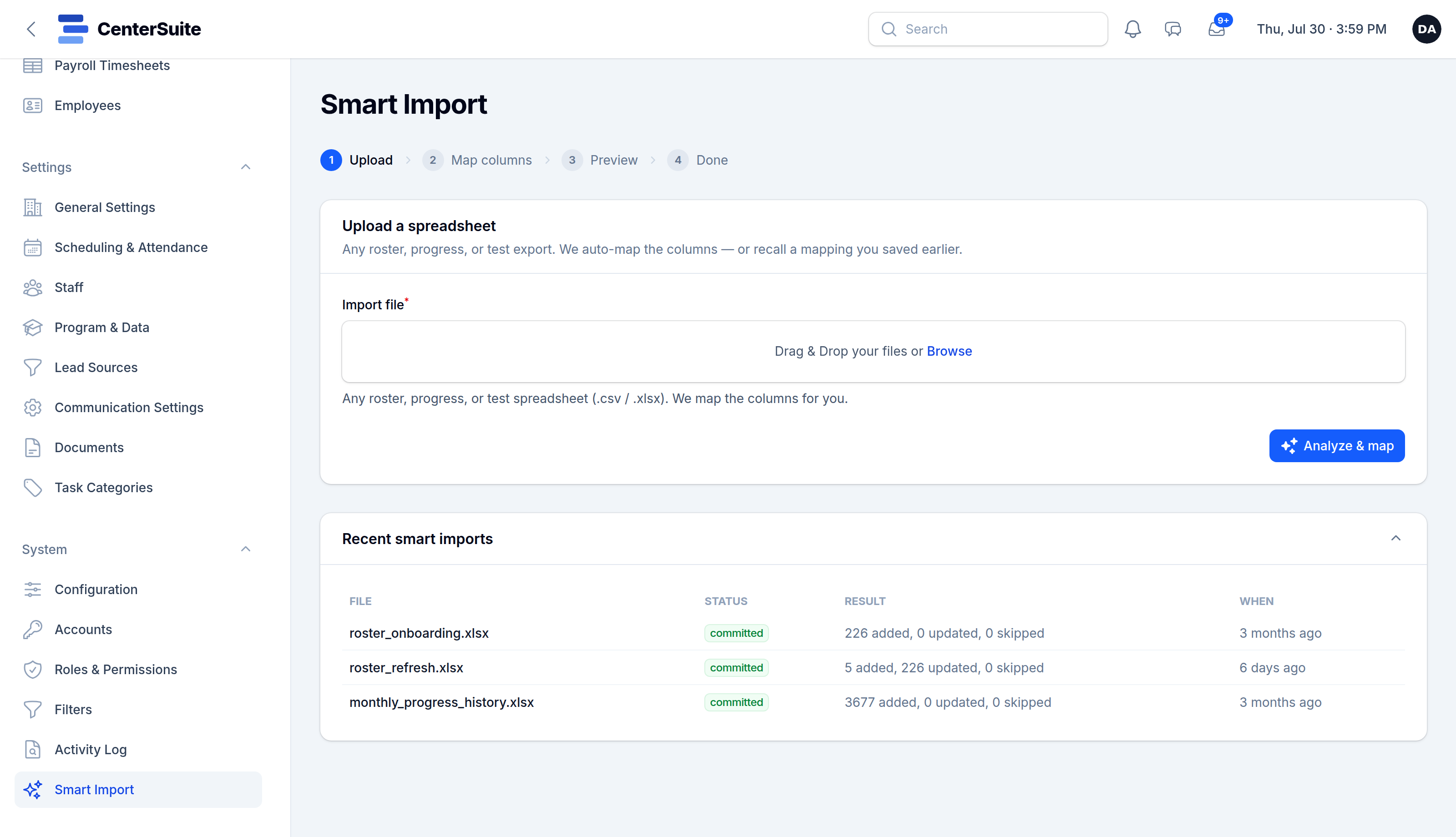
- Export from your current tools. A CSV per thing — families, students, schedule.
- Map the columns once. Good software lets you point "this column is the parent's email" and remembers it, so a messy export becomes clean records.
- Preview before you commit. You should see exactly what will be created before anything is written — no surprises.
- Run it for real, check a few records, and you're live.
Questions to ask before you switch
- Do you help us migrate, or do we do it ourselves? (You want "we do it with you.")
- Can you import from a spreadsheet? (The answer should be yes.)
- Can I export everything back out later? (If not, you're just trading one lock-in for another.)
You won't lose a week
A center's worth of records is a few exports and an afternoon — not a lost week — when the tool is built to bring you in. CenterSuite includes onboarding and data migration: we bring your families, students, schedule, and staff across and set it up to match how you run, so day one feels like home, not a fresh start.